http://Top Tips for creating UX friendly wireframe
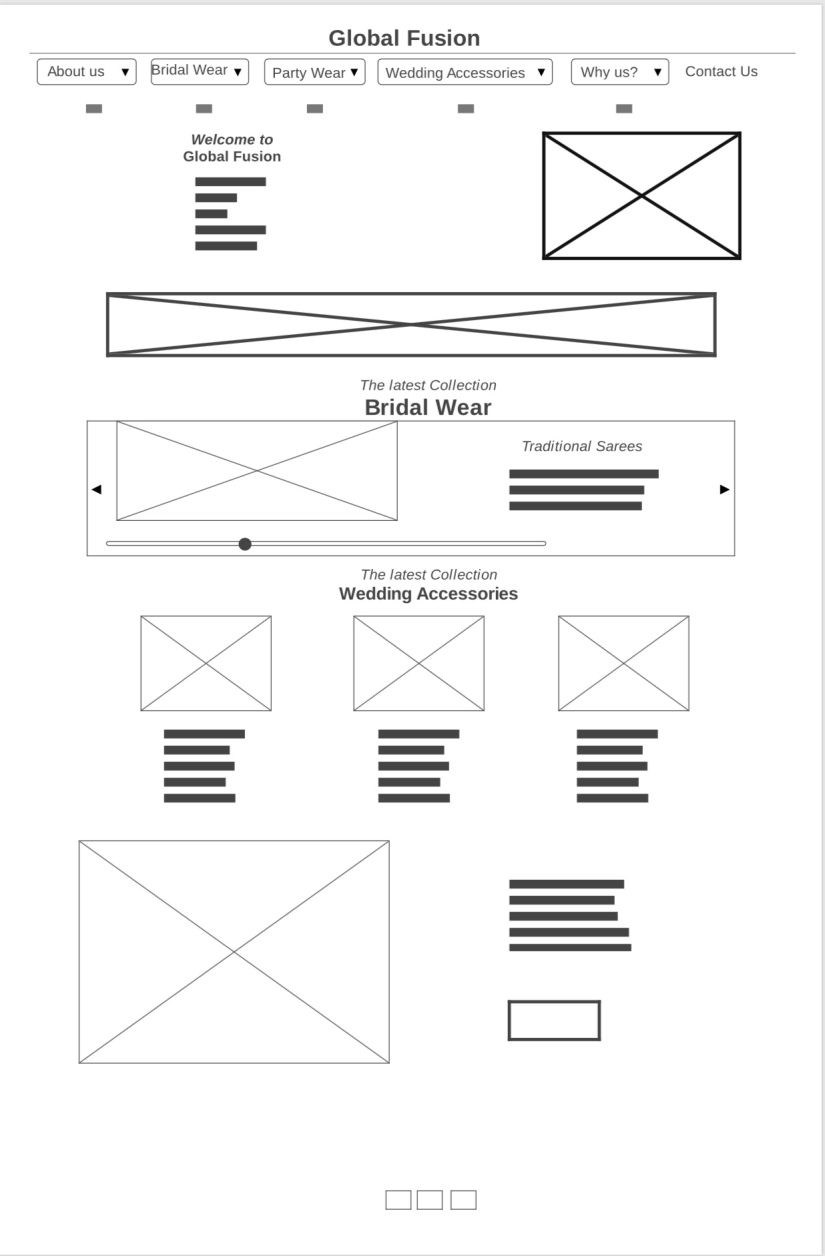
Top 5 tips for UX friendly Wireframe
During my course at college for creating a UX friendly wireframe, I have always found that Wireframes are considered to be the blueprints of the web-pages to determine what is effective on our web-page and what can be avoided. Top 5 tips for creating UX friendly Wireframe can align the entire project depending upon what we do with it.
Below mentioned top 5 tips useful in creating a UX friendly wireframe:-
1) Stay away from flashy colors
Wireframes are meant to be a view of the layout and elements. Content allotment of your web-page so it is better to steer clear of any colors as it beats the purpose! Gaudy or flashy colors will not only take away from the purpose of wireframing. It will distract the users who want to interpret the structure of your website.
2) The simpler, the better
The second tip for creating wireframe is always better to describe the functionality and robustness of your web-page. Avoid complicated representations. High fidelity wireframes generally work only for certain websites that require much user interaction. Low fidelity wireframes work the best for simple blogs and websites so think carefully before proceeding with the wireframe creation.
3) The Grid works best
The third tip while creating wireframe is to use a grid system while making wireframes. It looks more structured and simpler to use. Using the grid will ensure better structure and design for the website. It will ensure that our users can understand the website in a better manner.
4) Type of Wireframe
a) Creating Low fidelity UX friendly wireframes
It is quite easy to make a low fidelity wireframes sans decorations and solves the basic purpose of wireframing. Helps to know the basic elements of the website. Make it as UX friendly as possible
b) Creating High fidelity UX friendly wireframes
It is better to use a high fidelity wireframe if you are creating a website that involves active customer interaction. Go for a high fidelity option when you are confident about the final content.
5)Annotations make life easier
If you want the wireframe easier to understand and edit easily add annotations as they act as your guide once you revisit the work after a gap. It also adds to the UX friendliness of your website.
a) Why add them to wireframe
Creating wireframe becomes easy with annotations for amateurs who edit your wireframe a heads up too so they can understand your placement of elements easily.
Wireframes are the best bet to bring you closer to the desired user experience UX on your website. So follow the tips above and create the best wireframe that is both easy to comprehend and user-friendly.


